A Home Test to See If ChatGPT Recommends Your Business
Citable · 27 October 2026 · 8 min read
To check if ChatGPT recommends your business, write the questions a buyer would ask, with your service and town, and run each one several times in a fresh chat. Count how many runs name your business, because ChatGPT can give different answers to the same prompt. Repeat the same questions over time, and read the Sources panel to see which pages each answer used.
- Write several non-branded buyer questions that include your service and your town.
- Run each question several times in a fresh chat, and log every run.
- Treat the four-in-five rule as a rule of thumb, not an industry standard.
- Repeat the same prompts on a fixed schedule and compare the trend, not single answers.
What do you need before you start?
You need a list of buyer questions, a spreadsheet with one row per run, and ChatGPT with Search turned on.
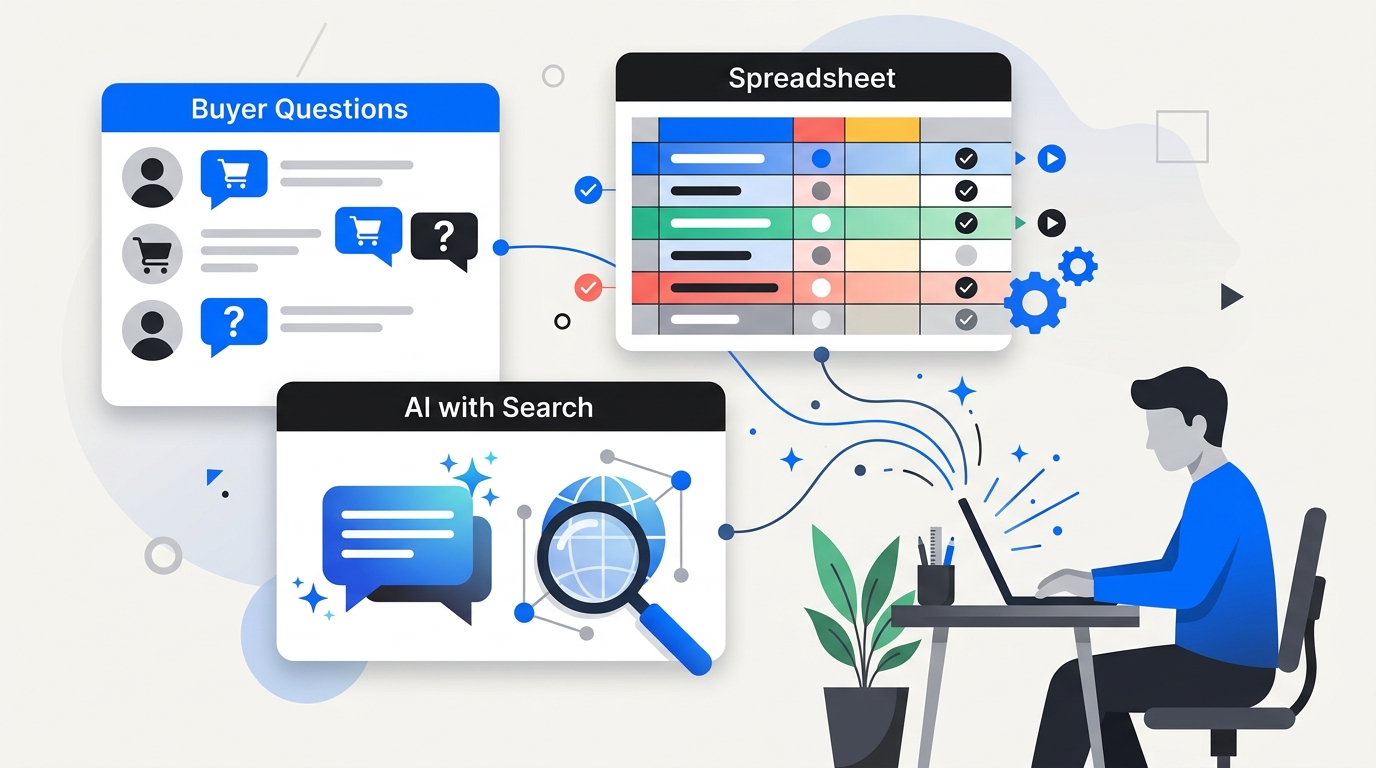
Pick your metric first. Robot Visible points out that counting citation annotations, unique URLs, unique domains, brand mentions and referral sessions answers different questions. "Named in X of N runs" is a good starting metric. Keep it identical for every check.
Set a threshold too. Vient proposes that a business named in four of five runs counts as recommended, and one named once in five is "on the edge". That is Vient's heuristic, not an industry standard.
How do you write the prompts and start a clean chat?
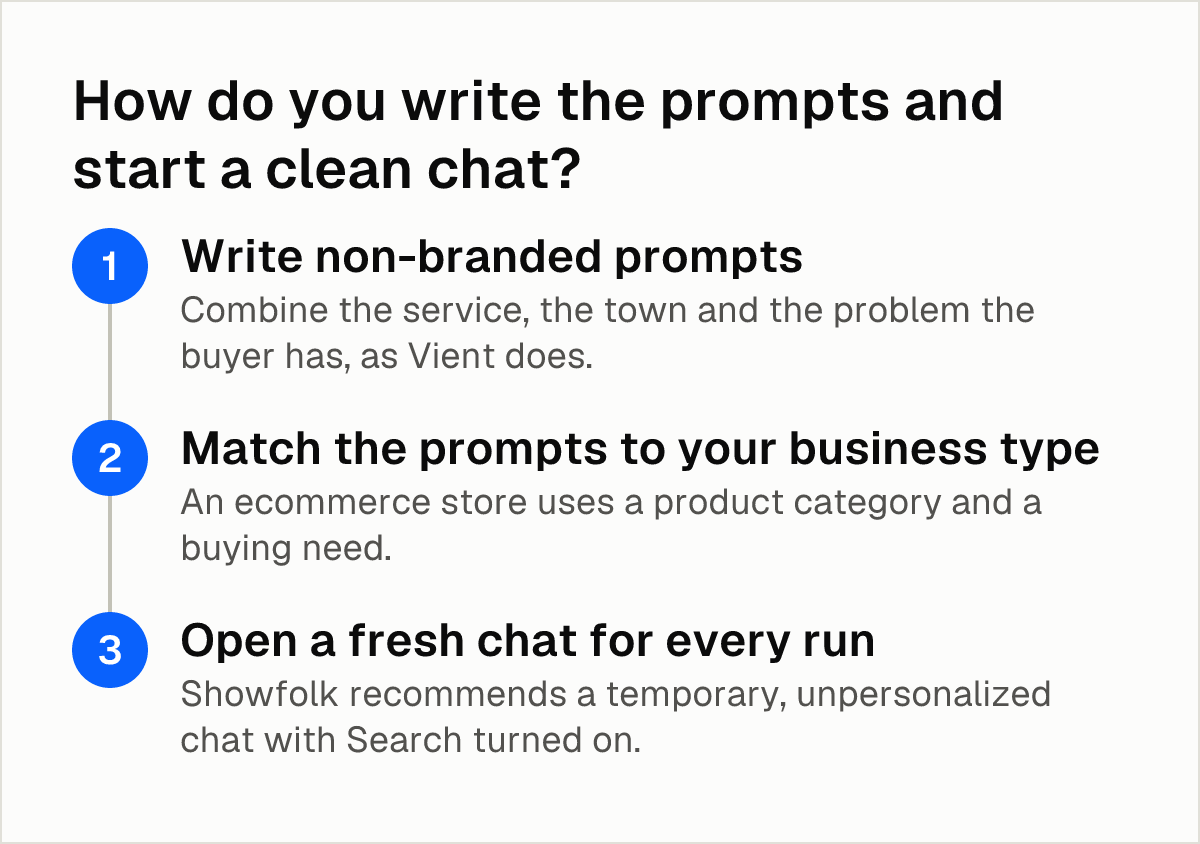
- Write non-branded prompts. Combine the service, the town and the problem the buyer has, as Vient does. Avoid asking "what do you know about us": Brandarmor argues that a branded question does not show whether ChatGPT puts you on a buyer's shortlist. Write the prompt a stranger would type.
- Match the prompts to your business type. An ecommerce store uses a product category and a buying need. A local business uses the service and the city. Zarla reports that ChatGPT often names nobody for a specific suburb, while city-level questions reliably produce a list.
- Open a fresh chat for every run. Showfolk recommends a temporary, unpersonalized chat with Search turned on. Each run should start from zero.
How many runs do you need, and how do you log them?
- Run each prompt several times. This is the core of Vient's method: run each one several times in a fresh chat and count the runs that name you. A single run misleads. SparkToro found that these tools are probability engines that generate different answers each time, so single-run checks and rankings from one prompt are unreliable.
- Log one of three outcomes per run. Rampfinity suggests this scheme and also asks you to note which sources the AI cited instead.
| Outcome | What it means | What to log |
|---|---|---|
| Named and linked | The answer names your business and links to your site | Its own column |
| Named only | The answer names your business without a link | Its own column |
| Absent | Your business does not appear | Its own column, plus the businesses that did appear |
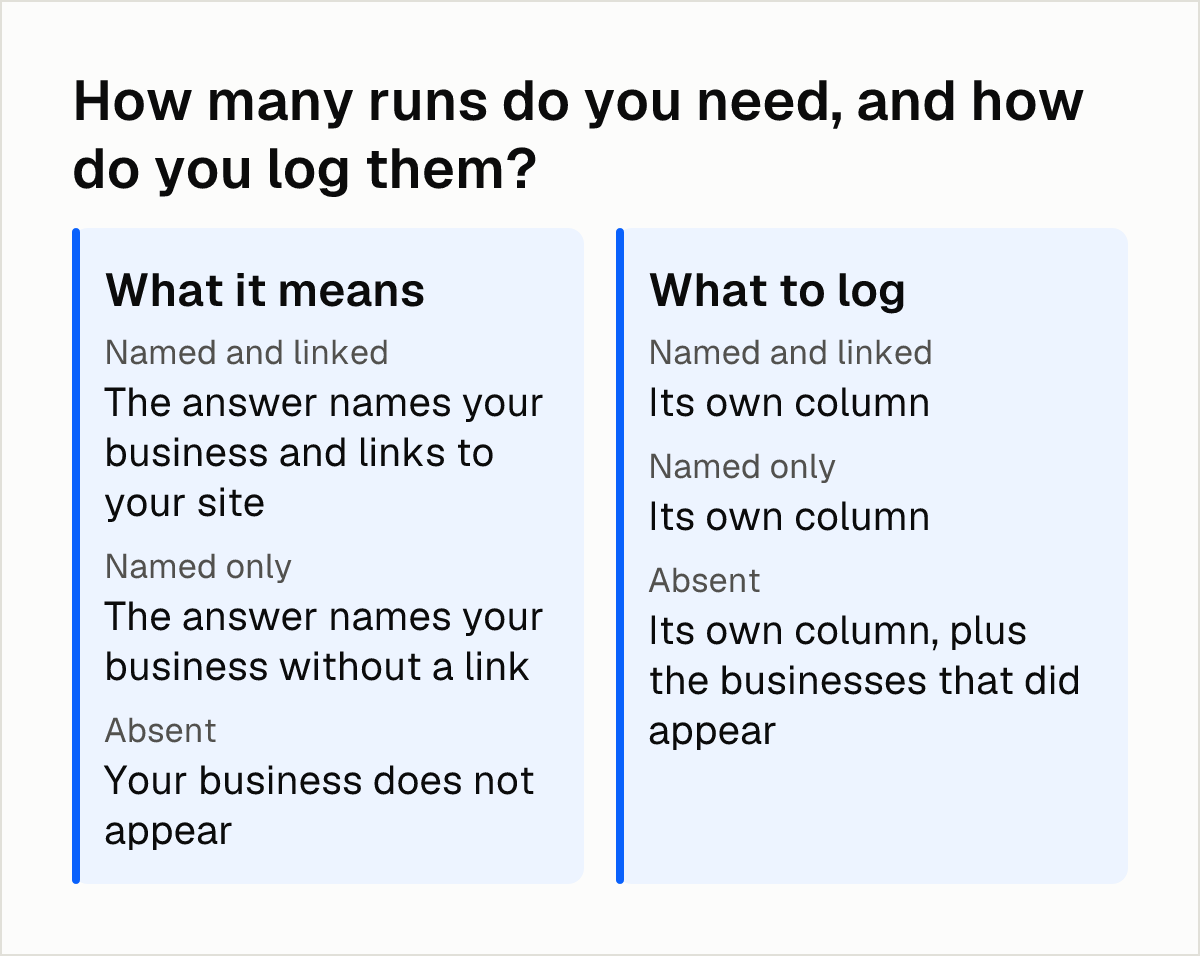
Keep "named" and "linked" apart. Merging them hides the difference between a mention and a path to your site.
One good run is not ownership. Semrush defines topic ownership as a brand appearing in at least four of five related prompts with a 5-point lead over the runner-up. That is one study's definition, so use it as a reference point.
How do you read the sources and check access?
-
Open the Sources panel. Showfolk advises reading the Sources panel to see which websites the answer used. Do not assume the citation is right: OpenAI's search help warns that results and citations can be incomplete, outdated or incorrect, and advises opening cited sources to check they support the answer.
If ChatGPT shows no Sources button, Typescape notes that the answer came from training memory rather than the web, so it is not a live visibility signal. Log it in a separate column.
-
Check the access gate. Confirm that your robots.txt does not block OAI-SearchBot. OpenAI's crawler documentation says sites opted out of OAI-SearchBot will not be shown in ChatGPT search answers, though they can still appear as navigational links. The same page says it can take about 24 hours after a robots.txt update for search results to adjust. The AI crawler checker tests your settings.
Open access is not proof of recommendation. Robot Visible notes that allowing the crawler removes a discovery barrier but does not guarantee that ChatGPT will retrieve the page for a question. 8. Repeat the same prompts on a schedule. Showfolk advises checking monthly by hand, or weekly with a tool, always with the same questions so results compare.
Why does a competitor get picked instead?
Count the competitor's runs next to yours on the same prompts. Ahrefs found its brand mentioned in 42 ChatGPT responses while a competitor appeared in 66. The gap only shows when you count both.
For each run where a competitor is named and you are not, read the cited sources and note which pages the AI used. The reason behind the count is the useful part. The guide to why AI cites your competitors works through this question by question.
A clear winner is rare. Semrush's 2026 study of 1,094 US categories tracked monthly in ChatGPT found that only 15% have a clear brand winner. If a competitor leads you, the category may still be open.
Where does the manual check stop?
As of October 2026, eSEOspace reports that OpenAI's published pages describe no webmaster console, no URL submission form and no performance report for organic results. Manual checks and third-party tracking are the main ways to observe visibility.
Manual checks take time. Use a spreadsheet for the first few months, then decide whether a tool would save more time than it costs. Results also vary by run, by city and by prompt wording, so draw conclusions about the trend, not about any single answer.
Next steps
- Write 10 to 15 non-branded questions with your service and town, and save them as your fixed prompt list.
- Run each question five times in a fresh chat with Search on, and log named and linked, named only, or absent.
- Open the Sources panel on every run where a competitor appears and note the pages cited.
- Check that robots.txt allows OAI-SearchBot, then repeat the test monthly with the same questions.
- If you want the loop of measuring, finding the cause, fixing and re-checking handled weekly, Citable does it as described in How Citable works.
Frequently asked questions
How often should I check whether ChatGPT recommends my business?
Showfolk advises checking monthly by hand, or weekly with a tool, always with the same questions so results can be compared. Changing the prompts between checks breaks the comparison.
Does blocking OAI-SearchBot remove my business from ChatGPT answers?
According to OpenAI's documentation, sites opted out of OAI-SearchBot will not be shown in ChatGPT search answers, though they can still appear as navigational links. Allowing it does not guarantee a citation.
How do you see which sources ChatGPT used for an answer?
Open the Sources panel in a chat with Search on and read which websites the answer came from. If there is no Sources button, Typescape says the answer came from training memory rather than the web.
Does ChatGPT give different answers to the same question?
Yes. SparkToro describes these tools as probability engines that generate different answers each time, which is why you run each prompt several times and count.
How do I check local recommendations for a specific suburb or city?
Test at city level first. Zarla reports that ChatGPT often names nobody for a specific suburb, while city-level questions reliably produce lists. Add suburb prompts as a separate, secondary set.
Sources
- Vient: How to check if ChatGPT recommends your business
- Showfolk: How to check if ChatGPT recommends your business
- Rampfinity: How to Check If AI Recommends Your Business
- SparkToro: AIs are highly inconsistent when recommending brands
- Semrush: AI visibility is a topic-level game
- OpenAI: Overview of OpenAI Crawlers
- Robot Visible: ChatGPT citations and search visibility
- OpenAI: Searching the web with ChatGPT
- eSEOspace: ChatGPT Search Explained
- Zarla: How to Get ChatGPT to Recommend Your Business
- Ahrefs: 7 Steps for Tracking Your ChatGPT Visibility
- Brandarmor: How to Check if ChatGPT Recommends Your Business
- Typescape: ChatGPT Citations Explained
Keep reading
6 November 2026 · 9 min read
Step by step: how to monitor competitors in AI search
Build a fixed set of buyer prompts, run them on the AI engines your buyers use, and track share of voice and cited sources over time to monitor competitors.
5 November 2026 · 7 min read
FAQ pages that AI assistants quote: what the evidence shows
Write each FAQ heading as the question a buyer types and answer it in one or two standalone sentences. Schema alone showed no citation lift in tests.
4 November 2026 · 7 min read
Does Schema Markup Help in AI Search? What the Google and Ahrefs Data Show
Schema markup is not a proven lever for AI citations: Google says it isn't required and an Ahrefs test found no major uplift. Here is what to do.